> For the complete documentation index, see [llms.txt](https://docs.helixlabs.org/llms.txt). Markdown versions of documentation pages are available by appending `.md` to page URLs; this page is available as [Markdown](https://docs.helixlabs.org/getting-started-on-helix/testnet-data-room/movement-vault.md).
# Movement - Vault
Prerequisites for Using the Movement Network - Vault
Before getting started with the Movement Vault, ensure you have the following ready:
* **Movement Wallet**: A Web3-compatible wallet like Petra is required to store funds and interact with the EigenFi dApps.
* **Gas Fees**: Your wallet must have enough MOVE to cover transaction costs, including deposits, withdrawals, and smart contract interactions. Gas fees vary based on network activity, so it's best to keep some extra Native tokens available.
**Movement Bardock Testnet - Faucet**
* [Native MOVE Faucet on Movement (Bardock Testnet)](https://faucet.movementnetwork.xyz/)
* [stMOVE Faucet on EigenFi Movement - Vault (Bardock Testnet)](https://movement.eigenfi.io/faucet)
**How to configure your Movement Wallet**
**For Petra Wallet users:**
1. [**Install Petra Wallet**](https://chromewebstore.google.com/detail/petra-aptos-wallet/ejjladinnckdgjemekebdpeokbikhfci)
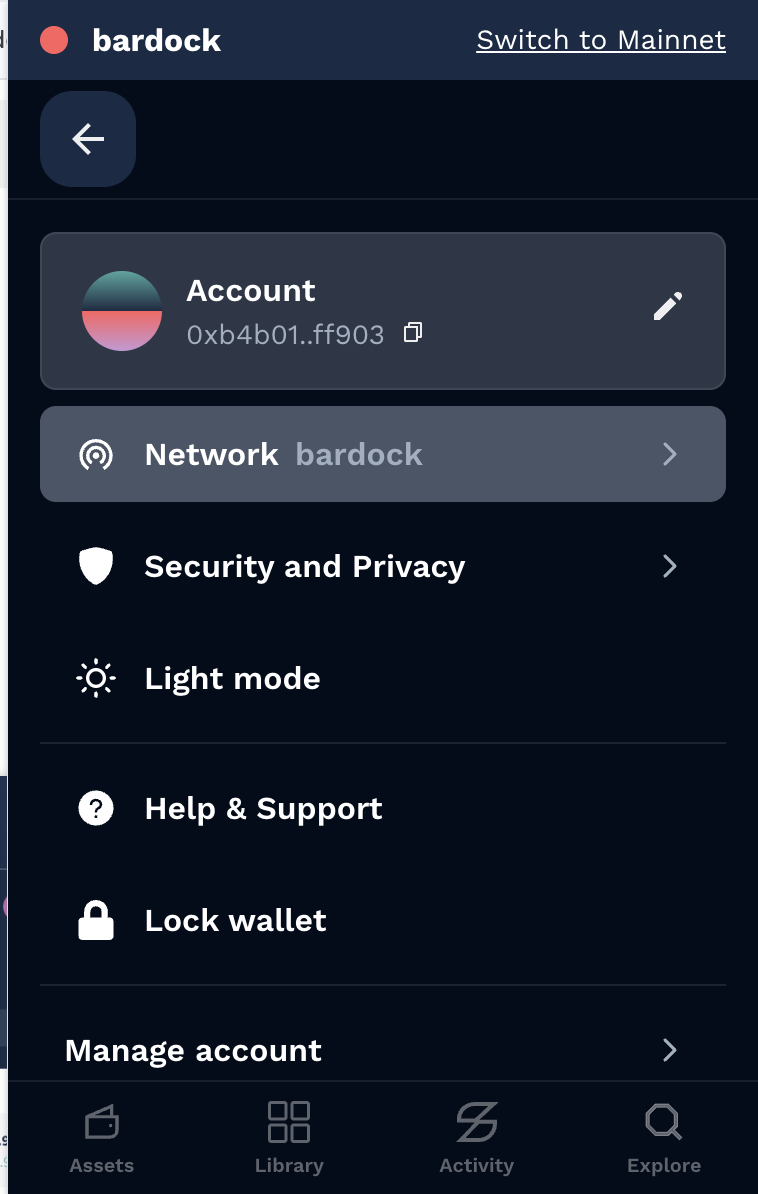
2. **Visit the Network**
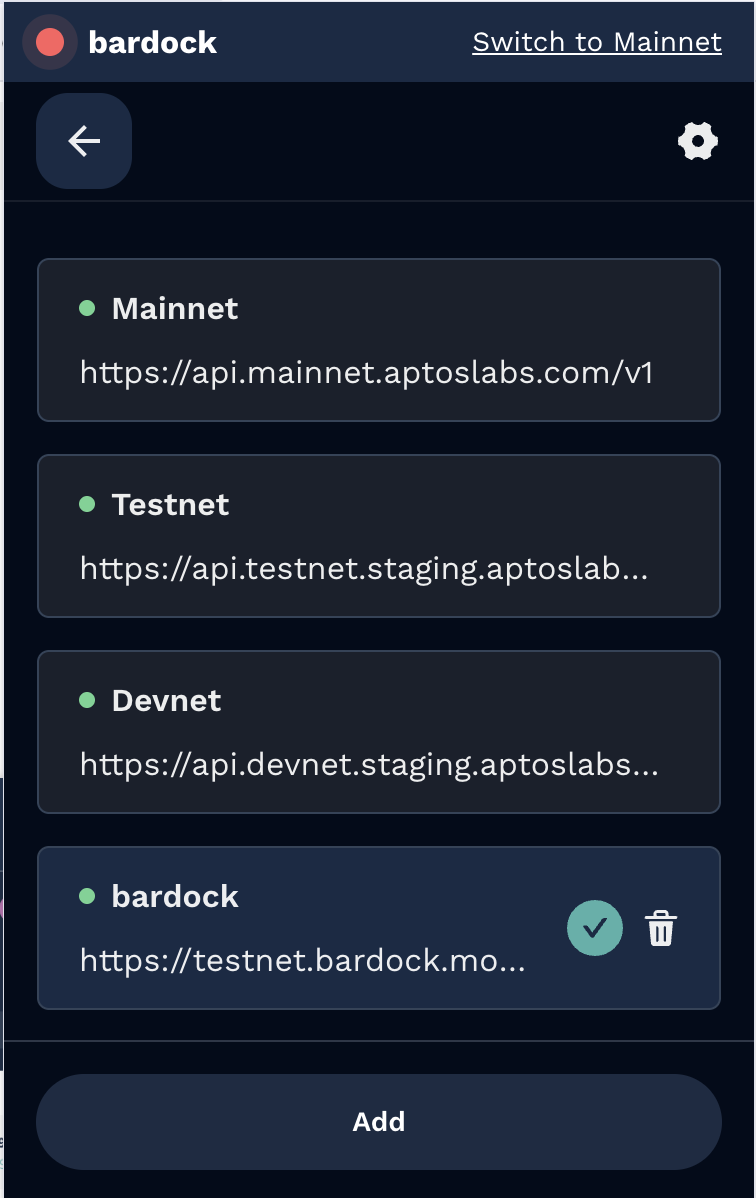
3. **Add custom network**
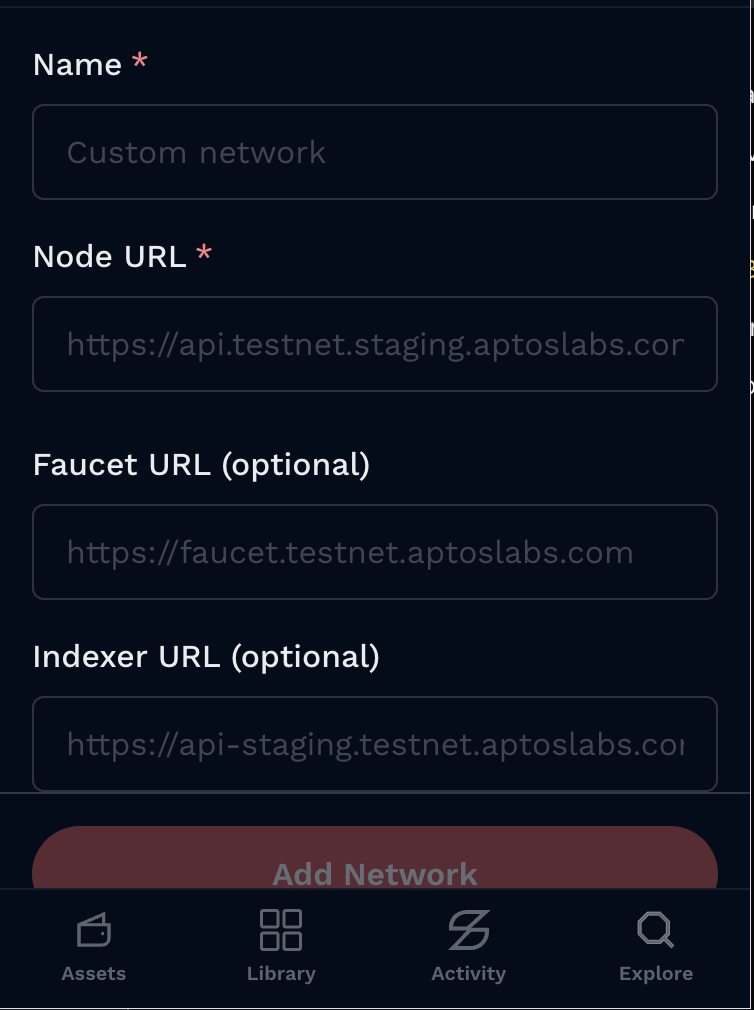
4. **Add these configurations**
**Name:** Movement Bardock Testnet
**Node URL:**
**Faucet URL:**
**Indexer URL:**
**For Nightly Wallet users:**
1. [**Install Nigthly Wallet**](https://chromewebstore.google.com/detail/nightly/fiikommddbeccaoicoejoniammnalkfa)
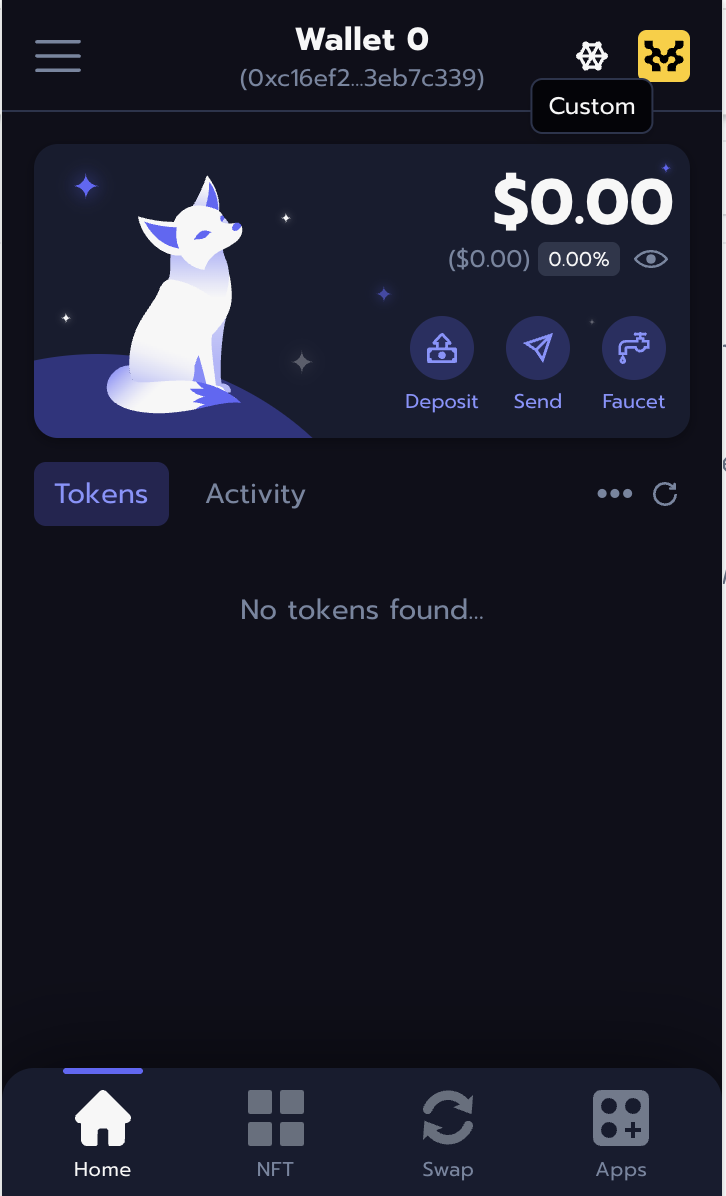
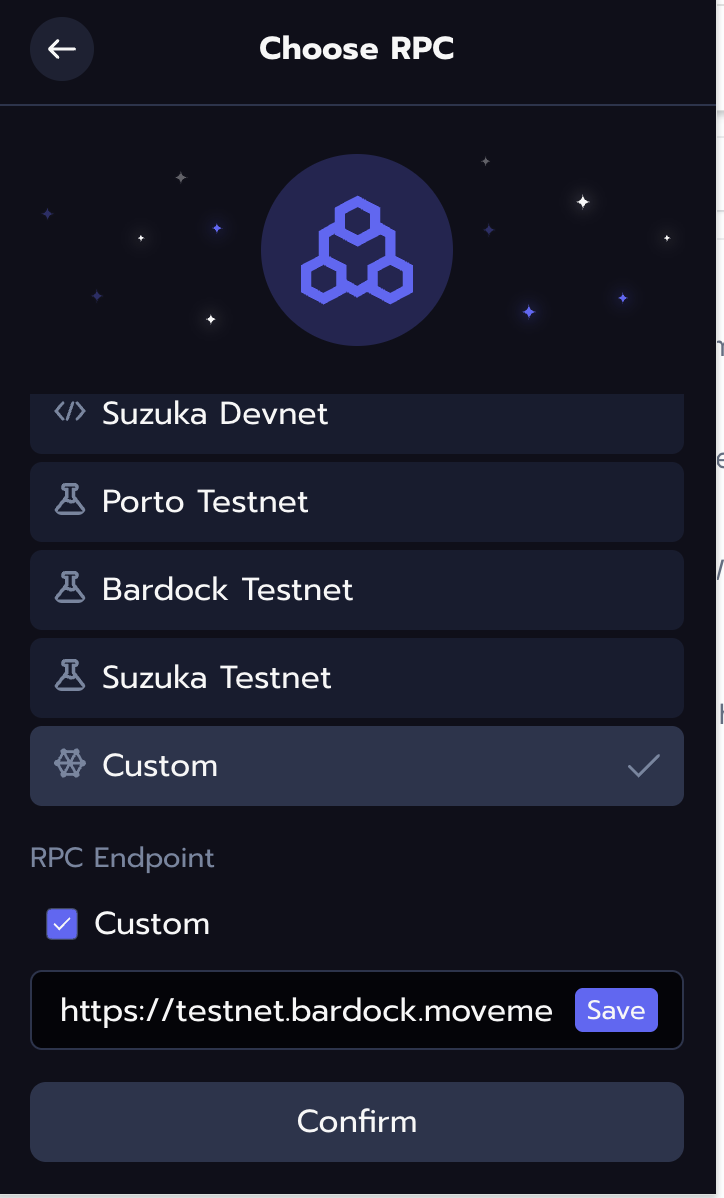
2. **Click on the custom network**
3. **Add Movement's Bardock Testnet RPC url**
**Copy this RPC URL, paste it, and save it.**
### How to Use Movement Vault (Video)
{% file src="/files/mZ01S7RgObWdrbn7hYjV" %}
### **1. Launch the Movement Vault dApp**
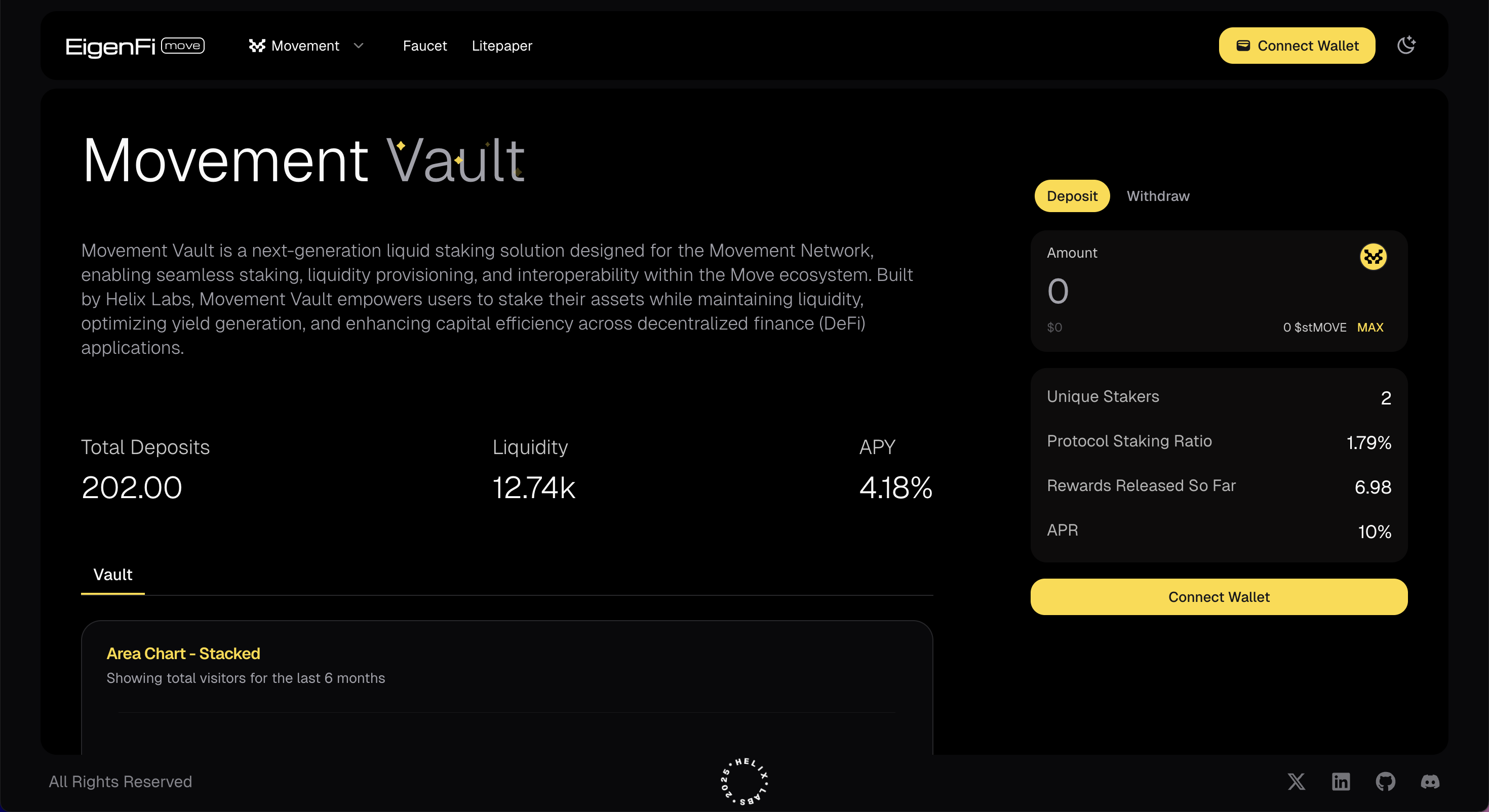
Visit the official[ EigenFi Movement - Vault](https://movement.eigenfi.io/) website and open the decentralized app (dApp). While you can explore its features without connecting, full access requires linking your wallet.
### 2. Connect Your Wallet
To unlock EigenFi's core features—deposit, earn, and withdraw—you must authenticate by connecting your wallet.
* Click on the **Connect Wallet** button.
* Select your wallet provider (Petra, Nightly etc.).
* Sign the message in your wallet to authenticate.
### 3. Deposit Funds
Once your wallet is connected you can access key features like:
* **Deposit**
* **Earn**
* **Withdraw**
### 4. Explore Other Chains
EigenFi Vault currently supports Ethereum, Movement, BNB Chain, Cardano, and Bitlayer.
The following testnet funds are available for deposit:
* [stETH](https://sepolia.etherscan.io/token/0x36d272ecbd80a8b09eb6ba19e2a390470d1c6d69)
* [stBTC](https://testnet.btrscan.com/address/0xc5fae28b6a647d8f25066654e92df297fc313d3c?tab=Transactions)
* [tADA](https://preprod.cardanoscan.io/)
* [stBNB](https://testnet.bscscan.com/token/0x0fda998afd341ad29b63196994b4f9a02b6cf40b)