> For the complete documentation index, see [llms.txt](https://docs.helixlabs.org/llms.txt). Markdown versions of documentation pages are available by appending `.md` to page URLs; this page is available as [Markdown](https://docs.helixlabs.org/getting-started-on-helix/testnet-data-room/internet-computer-vault.md).
# Internet Computer - Vault
Prerequisites for Using the Internet Computer - Vault
Before getting started with the Internet Computer Vault, ensure you have the following ready:
* **Internet Identity:** Internet Identity is required to store funds and interact with Helix Vault.
* **EVM-Compatible Wallet**: A Web3-compatible wallet like MetaMask is required to store funds and interact with the Helix Vault.
* **Gas Fees**: Your wallet must have enough ETH to cover transaction costs, including withdrawals, and smart contract interactions. Gas fees vary based on network activity, so it's best to keep some extra Native tokens available.
**Ethereum Holesky Testnet - Faucet**
* [Native ETH Faucet on Ethereum (Holesky Testnet)](https://www.alchemy.com/faucets/ethereum-holesky)
### **1. Launch the Helix dApp**
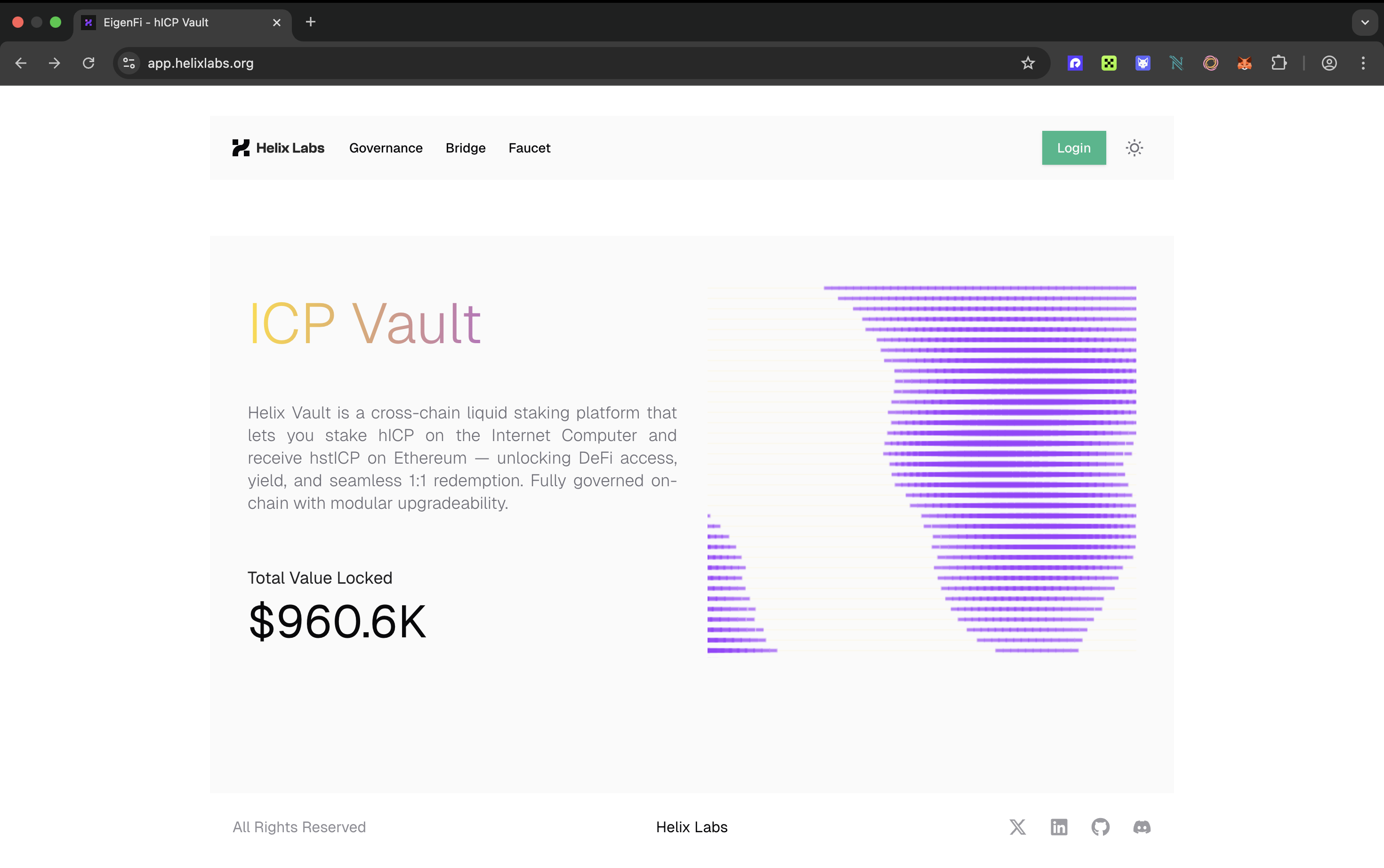
Visit the official [Internet Computer - Vault website](https://app.helixlabs.org/). While you can explore its features without connecting, full access requires linking your wallet.
### 2. Login Your Wallets
To unlock Helix Vault's core features—deposit, earn, and withdraw—you must authenticate by connecting your wallet.
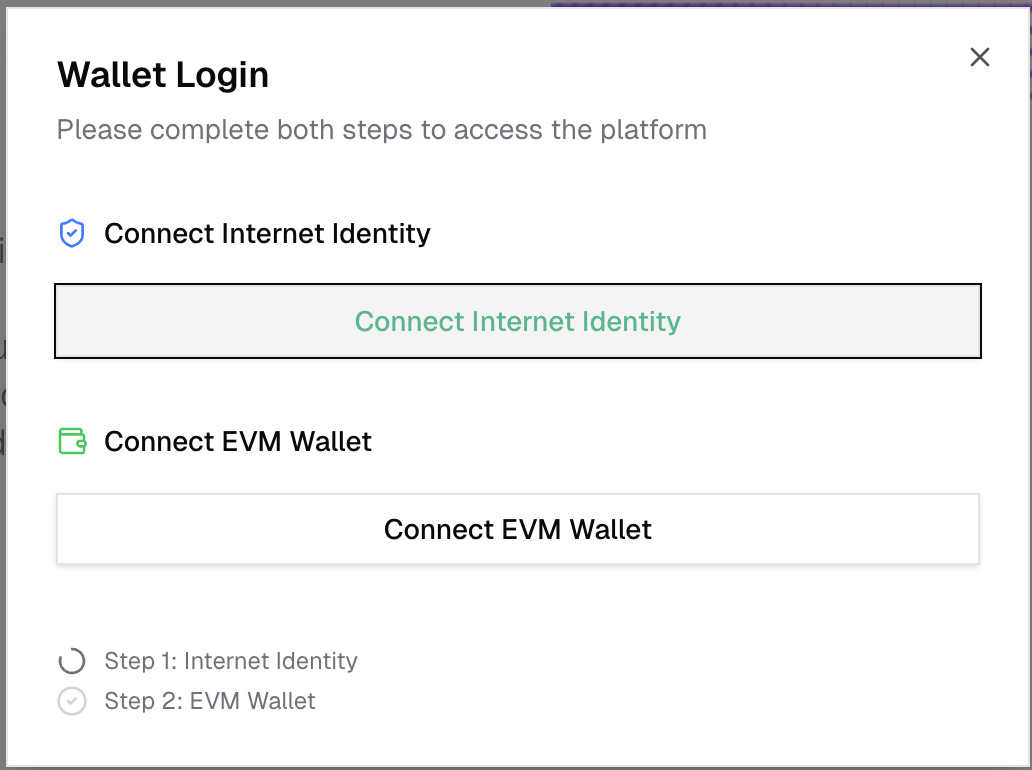
* Click on the Login button.
* Click on the Connect Internet Identity
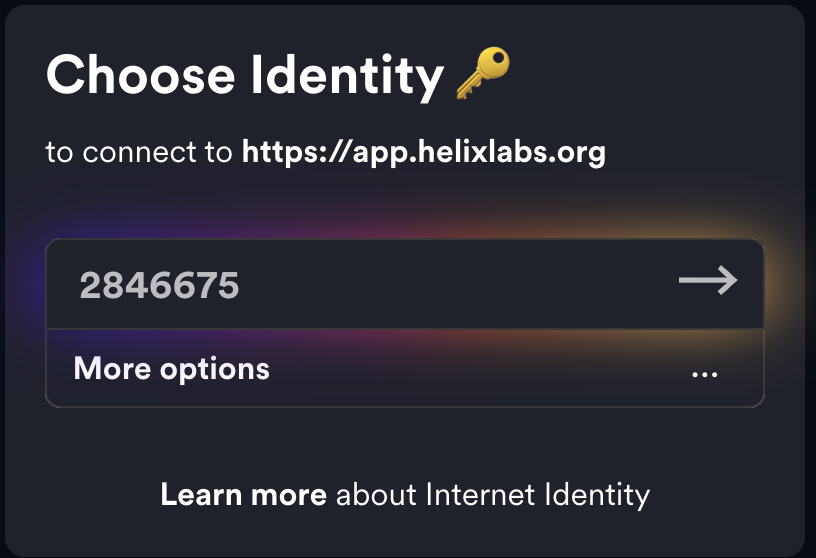
* Please select your identity and connect. If you do not have an internet identity, kindly create a new one.
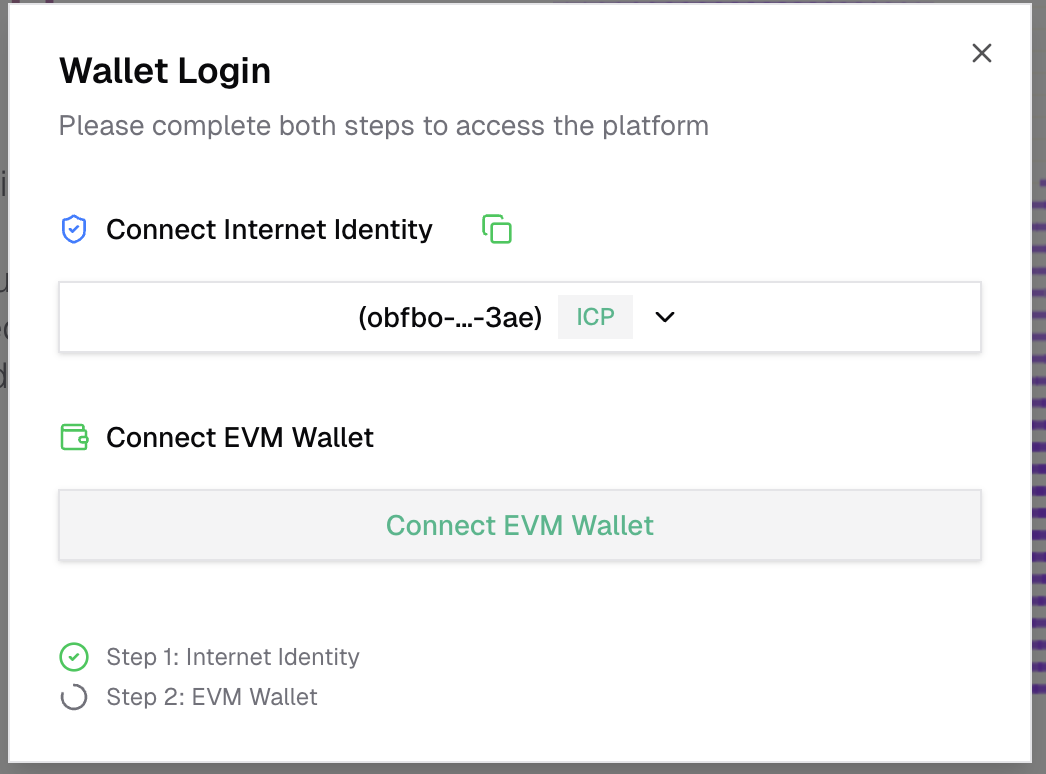
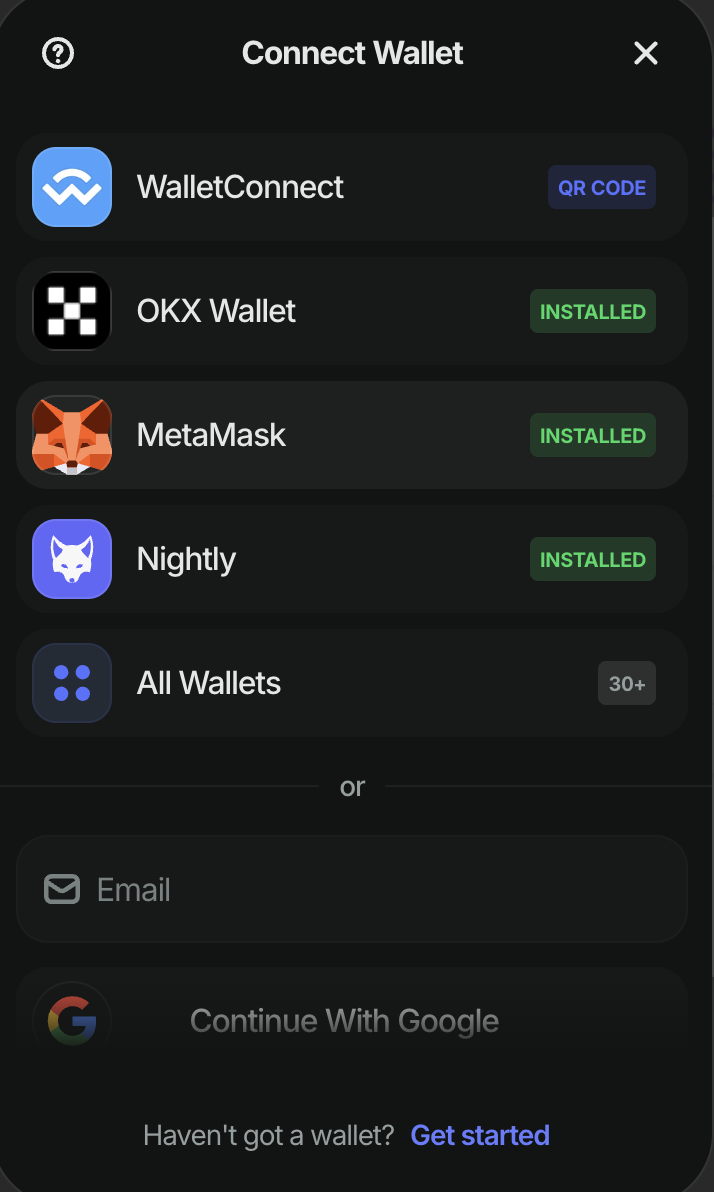
* After successfully login with Internet Identity, please click on the Connect EVM Wallet
* Select your wallet provider (MetaMask, Rainbow, etc.) and connect.
### 3. Get testnet funds (hICP) from the faucet
Once your wallet is connected you can access key features like:
* **Stake, unstake**
* **Earn**
* **Faucet**
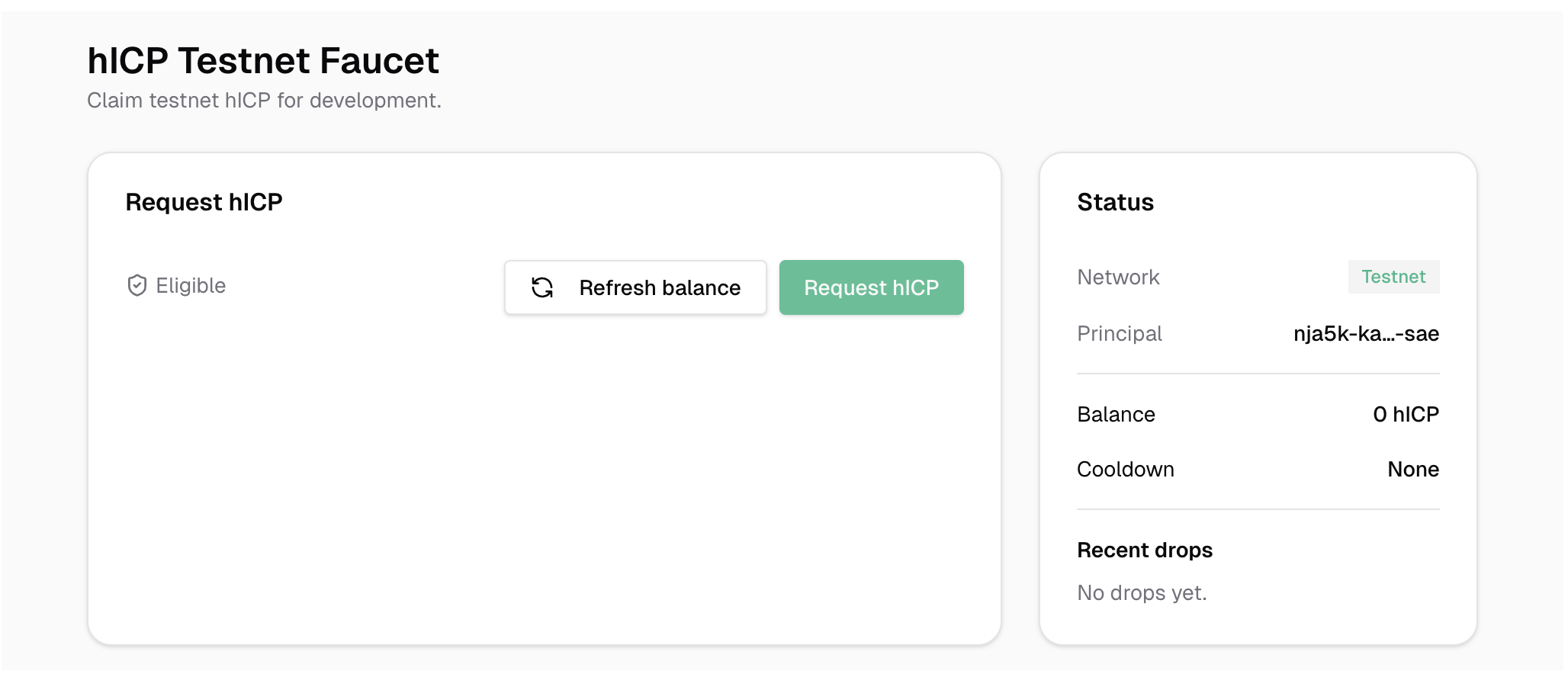
[**Navigate to the faucet page**](https://app.helixlabs.org/faucet)
Click on the ***Request hICP*** button to receive hICP (testnet funds). You may request once per day, and the daily allocation is 5 hICP. Upon clicking, 5 hICP will automatically be credited to your account.
**⚠️ Warning: This is a testnet token and has no monetary value.**
Congratulations! You have received testnet funds and can now stake them in the vault 🎉.
### 4. Stake in the vault
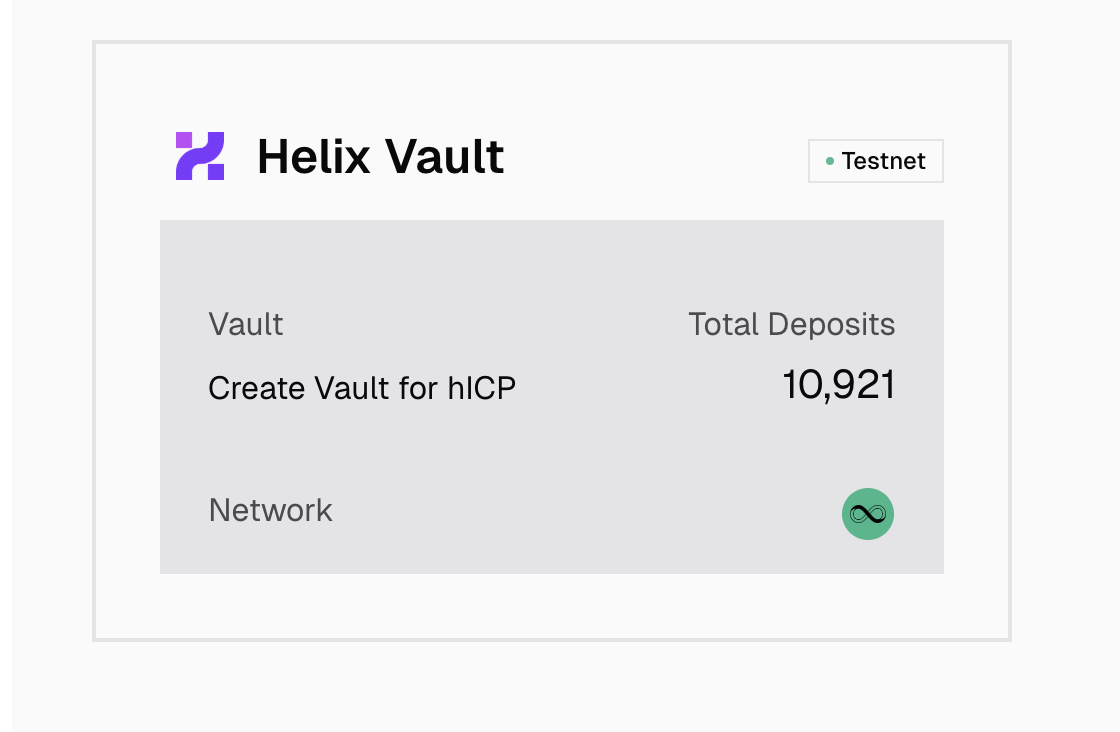
Next, navigate to the home page and click on the available vault.
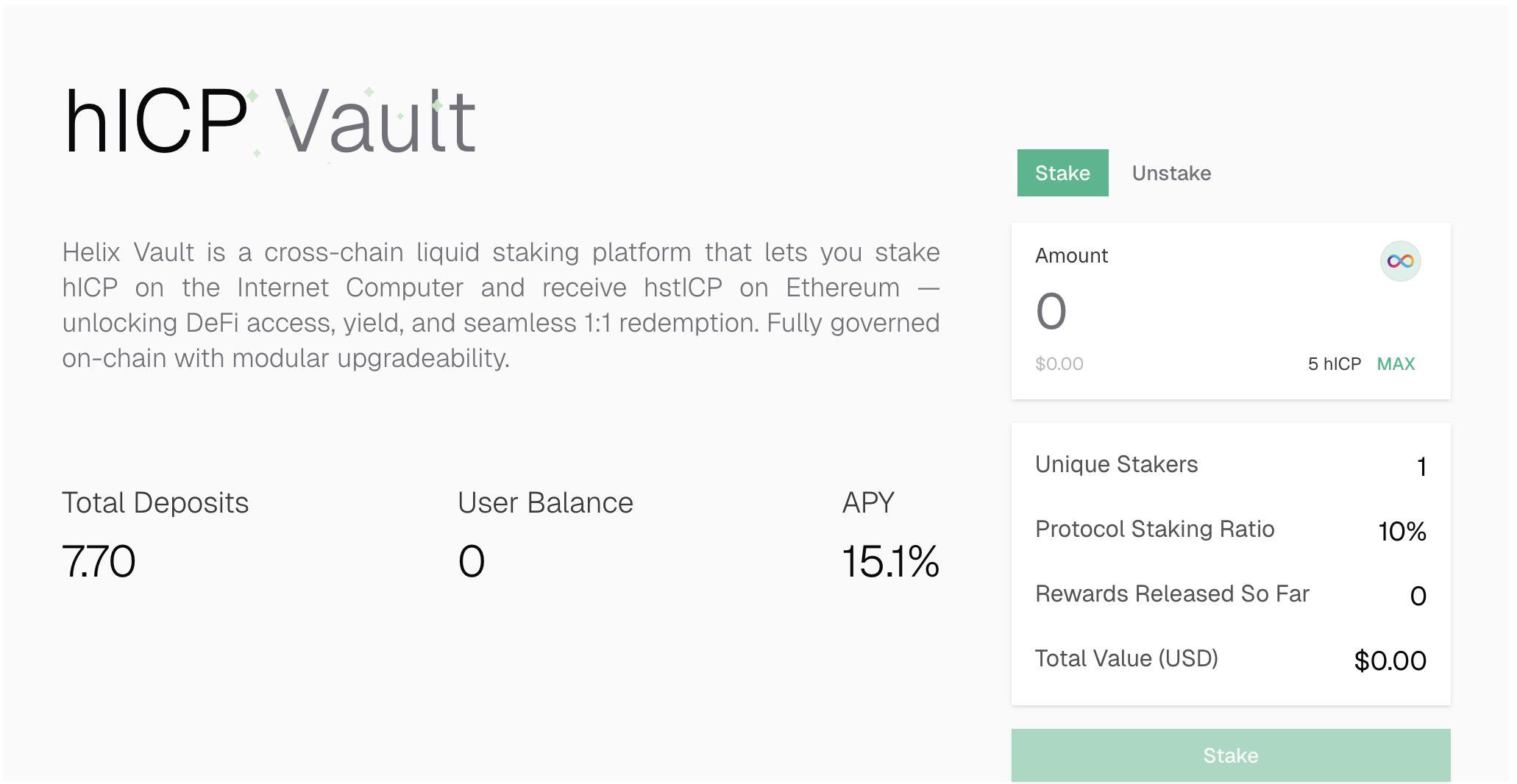
Next, specify the amount and click the ***Stake*** button.
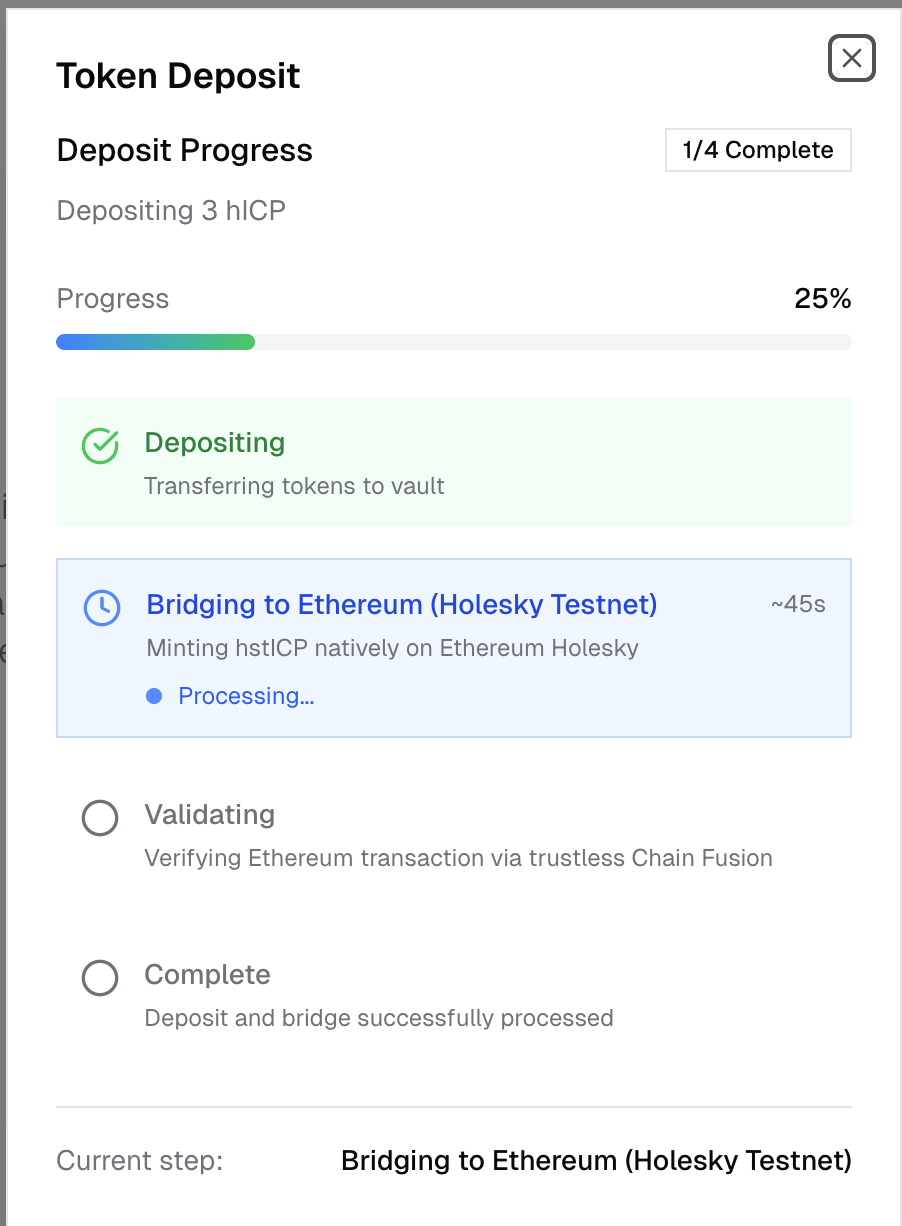
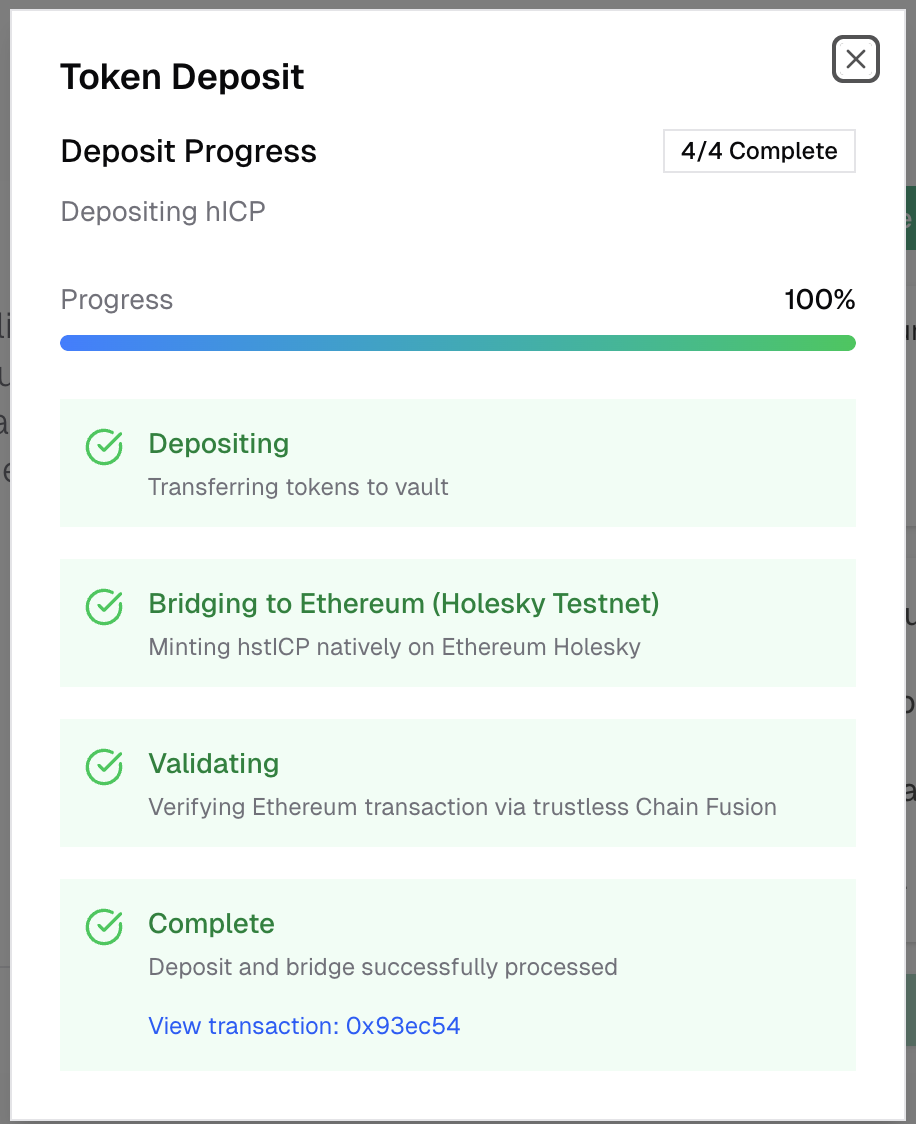
A status modal will appear—please wait patiently while the system stakes your tokens to the vault and automatically mints hstICP on Ethereum’s Holesky Testnet in your connected EVM account with the same amount.
**⚠️ Warning: Do not leave the status page or refresh the browser until the process is complete.**
Congratulations! You have successfully staked hICP and bridged it to the Ethereum Holesky Testnet. You can now participate in other DeFi protocols on the Ethereum Holesky Testnet.
### 5. Unstake from the Vault
To unstake your tokens from the vault, go to the vault page, specify the amount, and click the ***Unstake*** button.
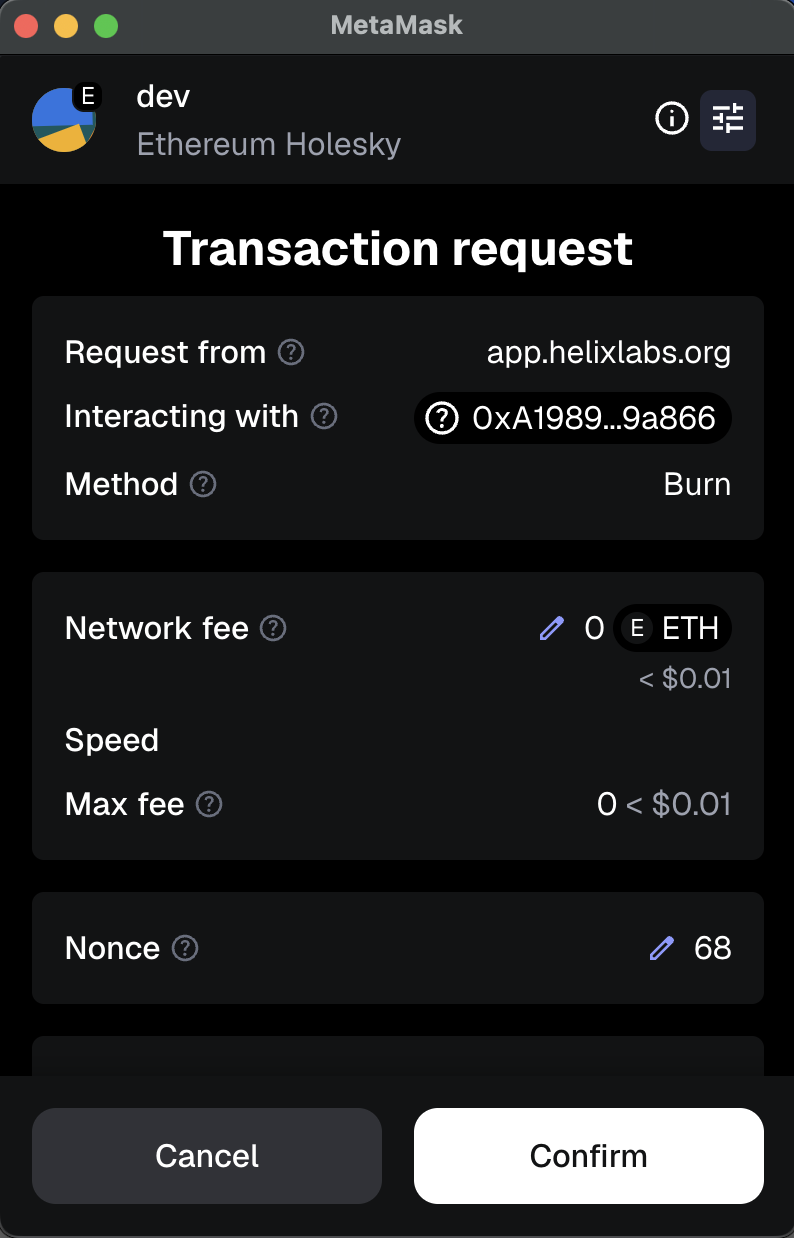
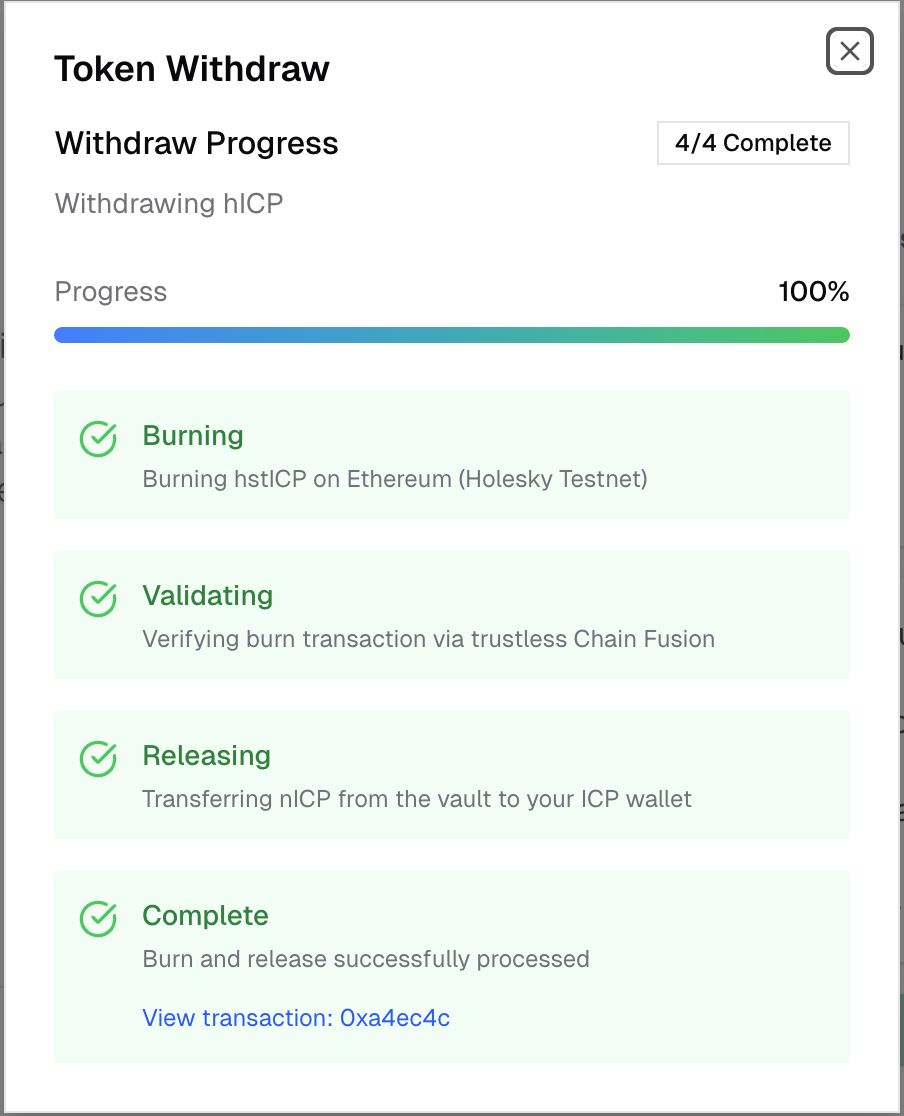
This will initiate the burning of the specified amount of hstICP on the Holesky Testnet. You must confirm this action, as it follows a strict 1:1 ratio. Once the burn is successfully completed, our system will verify the transaction and unlock your funds in ICP.